The Story Behind Screentell
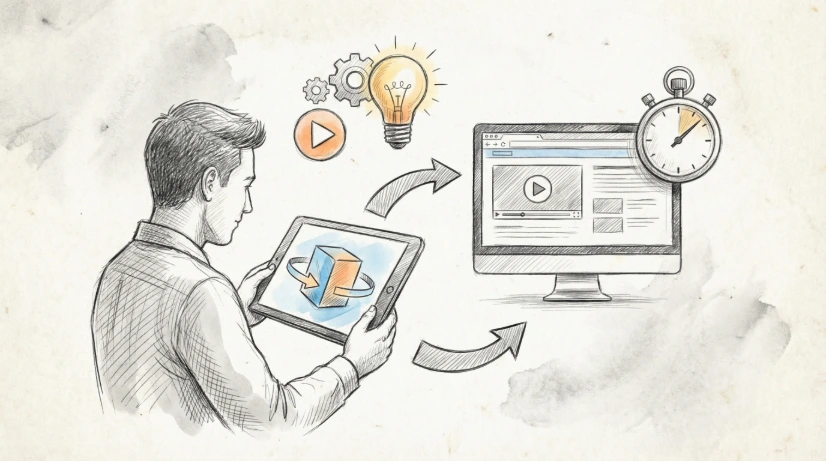
Screentell is a browser-based screen recording and editing tool for fast product demos, tutorials, and social clips—no software install, just record, edit, and export in minutes.

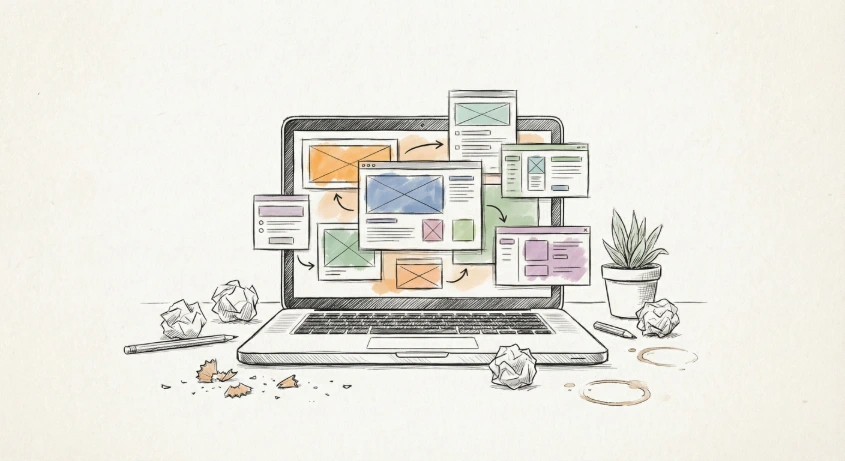
I’m an indie dev, and every time I launch or ship something, there’s this familiar mini-hell: “now I need to record a decent demo…”
You probably know the drill:
- Install yet another screen recorder
- Wrestle with audio settings (system sounds vs mic)
- Accidentally capture messy tabs or notifications
- Re‑record because you forgot to hide something sensitive
- Open a separate editor just to crop, zoom, or add a simple arrow
After doing this too many times, I realized I was spending way more time fighting tools than making the actual demo. Most of what I needed was simple: clean product walkthroughs, short tutorial clips, or something polished enough to share on social media—but the existing tools made that way harder than it should be.
So I ended up doing what most devs probably shouldn’t do when they’re busy: I built my own thing. 😅
It’s called Screentell, and the idea is simple:
A low‑friction, in‑browser screen recorder + editor that covers ~90% of all “I just need a decent demo” use cases—without installs, complex timelines, or heavy software.
What Screentell Does (and Why It’s Built This Way)
📹 Easy Recording
I wanted to hit “record” and just go:
- Record screen + camera simultaneously with system audio and mic
- Dual‑stream engine for high quality capture
- No software installs—runs entirely in your browser (Chrome, Edge, Brave, Arc)
🎬 Browser‑Based Editing (No Desktop App Needed)
Most of my edits are simple, presentation‑style tweaks—not full video productions. So Screentell focuses on:
- Crop & trim your recordings to hide anything sensitive
- Focus Zoom (2D) and Cinematic 3D Transforms to guide your viewer’s eye
- Multi‑track editing — move, resize, or hide your face cam after recording
- Advanced clip editing — cut, delete, adjust playback speed, etc.
✏️ Stickers & Annotations
I always end up wanting arrows and callouts, so Screentell includes:
- Hand‑drawn style arrows, speech bubbles, shapes, and text
- Customizable colors, borders, shadows, and own image uploads
- Quick visual cues without jumping to a separate editor
🎨 Layout & Presentation
I care about how the final frame looks (especially for socials):
- Choose backgrounds (solid, gradient, wallpaper)
- Add padding/shadows to give a studio‑quality look
- Flexible face camera layer — show/hide, resize, animate
- Result looks great on landing pages, tweets, or product updates without Premiere or Final Cut
🔒 Privacy & Local‑First
Everything happens locally — your recordings never leave your device unless you choose to share them. No server uploads, no cloud processing.
Who It’s For
If you’re:
- Recording product demos
- Making short tutorials / onboarding clips
- Creating quick social content
- Don’t want to install heavy software or learn a complex timeline editor
…then Screentell might be the tool you’ve been waiting for. It runs entirely in the browser—record → edit → export—and most people can figure it out in just a few minutes of clicking around.
Right now, it’s very much built from my own pain points as a solo dev who constantly needs “yet another demo,” so I’m sure my blind spots are showing.
If you do screen recordings often, I’d love to know:
👉 What’s the most annoying part of your current workflow?
👉 What’s one thing your current tool still doesn’t do well?